





09 Sep 2026
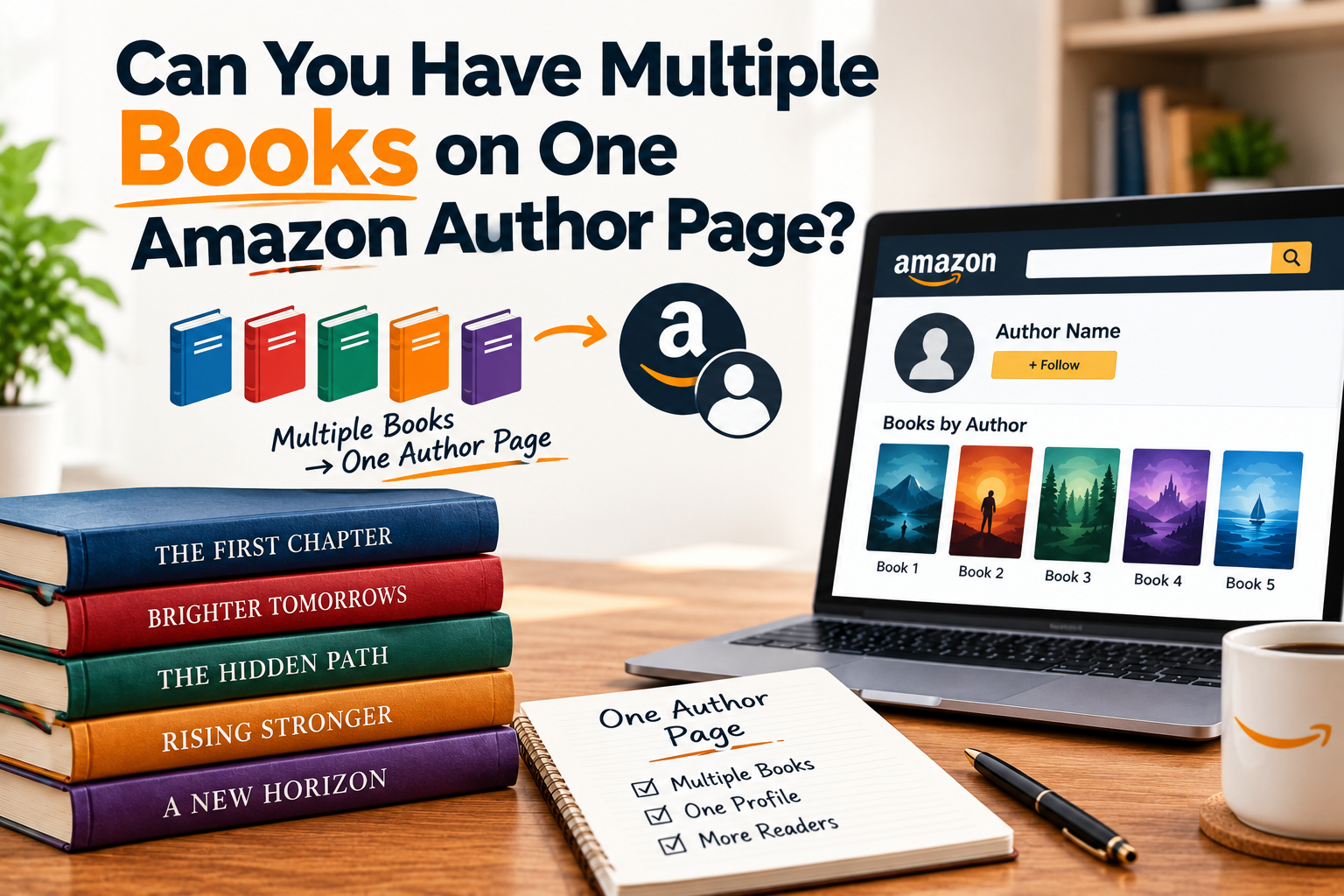
Short answer, yes, absolutely, and honestly this is one of the more common questions new authors ask once they’ve published their second or third book. There’s this lingering worry that maybe each book needs its own separate page, or that somehow things get messy once you’ve got more than one title out. Neither is true, and once you understand how Amazon actually structures this, it makes a lot more sense why having everything on one page is not just possible, it’s actually the whole point.
Let’s get into how this works, why it’s designed this way, and a few things worth knowing if your books aren’t showing up together the way you’d expect.
Yes, One Page Holds Your Entire Catalog
Your Amazon Author Page is built specifically to display every book you’ve published under a given name, all in one place. Whether you’ve got two books out or twenty, they’re all meant to sit together under the same profile, not scattered across separate pages that readers would have to somehow find individually.
This is actually the core reason Amazon built this system in the first place. A reader finishes one of your books, clicks your name, and instead of hitting a dead end, they land on a page showing your full catalog, everything else you’ve written, right there for them to browse. If each book needed its own disconnected page, that whole discovery moment just wouldn’t work the way it’s supposed to.
How Multiple Books Actually Get Connected
The mechanism behind this is pretty simple once you see it. Every book you publish gets tied to your Amazon Author Central profile through something called claiming. You search for the book by title or ISBN inside Author Central, confirm it’s yours, and once claimed, it automatically joins the rest of your catalog on your public facing page.
This isn’t a one time limit either. There’s no cap on how many books can sit under a single profile. Authors with dozens of titles across different genres still manage it all through one Amazon Author Profile, assuming they’ve been consistent about how they claim and organize things.
Why Some Authors Think Their Books Aren’t Connecting
Here’s where things sometimes go sideways, and it’s almost always the same culprit, name inconsistency. If your third book was published with your middle initial included and your first two weren’t, Amazon’s matching system can treat that as enough of a difference to not confidently link them all together automatically.
So while yes, technically all your books can absolutely live on one page, that only happens cleanly if the author name attached to each listing matches your Author Central profile precisely. Even small stuff, a period after an initial, extra spacing, capitalization differences, can occasionally cause a title to sit disconnected from the rest until it’s manually fixed.
If you’ve got a book that seems to have gone missing from your profile despite being published under what you assumed was your consistent name, that mismatch is usually exactly where to look first.
Organizing Multiple Books Once They’re All Connected
Once everything’s properly claimed, you’re not just left with a random pile of book covers either. Author Central lets you group titles into series, which matters a lot if you write connected stories and want readers to understand reading order without having to guess or click into each book individually to figure it out.
If you write standalone books across a few different genres, series grouping obviously doesn’t apply the same way, but your books still display together, just without the series specific organization layered on top.
What If You Write Under More Than One Name
This is a slightly different scenario worth addressing separately. If you publish some books under your real name and others under a pen name, entirely different from switching between genres under one consistent name, those books generally don’t all end up on a single unified page. Each pen name typically needs its own separate Author Central setup, its own bio, its own photo, and consequently its own distinct Amazon Author Page.
So the multiple books on one page situation specifically applies to books published consistently under a single author identity. Cross pen name consolidation isn’t really how the system is built to work, and trying to force it usually just creates confusion rather than solving anything.
Does Having More Books On Your Page Actually Help You
There’s a real practical benefit here beyond just tidiness. A reader who lands on a profile showing fifteen books gets a noticeably different impression than one showing just a single title. It signals an established, active author with a real body of work, which tends to build more confidence in a reader deciding whether to try something else you’ve written.
This is part of why it’s genuinely worth going back through your entire backlist if you’ve been publishing for a while and haven’t double checked that everything’s claimed. An author with twelve books but only seven showing up looks, to a new reader stumbling onto the profile, like someone with a much smaller catalog than actually exists. Getting everything connected properly is basically free credibility sitting there unclaimed.
Co-Authored Books And Multiple Book Pages
Books written with a co-author add a small wrinkle here too. Since the listing technically needs to attribute two separate authors, it can sometimes take a bit of extra coordination to make sure the title shows up correctly under both people’s individual Amazon Author Central Profiles rather than defaulting to just one. Usually this resolves fine if each co-author claims the book from their own account, but occasionally it needs a nudge from Amazon support if something’s not linking as expected.
What This Looks Like From A Reader’s Perspective
It’s worth stepping back and picturing this from the reader’s side for a second. They’re scrolling your Amazon Author Page, and instead of one lonely book cover sitting there, they see your entire collection, maybe grouped into a couple of series, maybe a mix of standalones, all with your bio and photo giving context to the person behind all of it. That’s a fundamentally more compelling experience than a single isolated listing, and it’s exactly the scenario Amazon designed this feature to create.
A Quick Checklist If Your Books Aren’t All Showing Up
If you’ve published multiple titles and suspect not everything’s connected properly, it’s worth working through a short mental checklist. Compare the author name across every single listing, letter by letter if you have to. Search each title inside Author Central by ISBN specifically, since title searches can sometimes miss things or pull up unrelated results. And if a book still won’t link after confirming the name matches exactly, give it a day or two, since there’s occasionally a processing delay before newly claimed titles fully display.
Working through older, previously published titles specifically is often where the real gaps hide, since these are the ones most likely to have been set up before you were paying close attention to keeping everything consistent.
Wrapping Up
Having multiple books on one Amazon Author Page isn’t just possible, it’s genuinely how the whole system is meant to function. The only real obstacle authors run into is name consistency across listings, which is usually a quick fix once you know to look for it. Get everything claimed, keep your author name identical across every title, and your entire catalog ends up sitting together on one page, doing exactly the kind of discovery work Amazon built it to do in the first place.
If you haven’t gone through and double checked your own catalog recently, that’s a pretty easy fifteen minute task worth knocking out sooner rather than later.