




05 Oct 2026
You know that strange quiet that falls over you the moment you type your last sentence? You have lived inside this book for weeks, maybe months and suddenly it is finished. And just as quickly, the next question lands: now what? That gap between “done writing” and “actually published” trips up more authors than any blank page ever did. If you are here, you are already doing something about it.
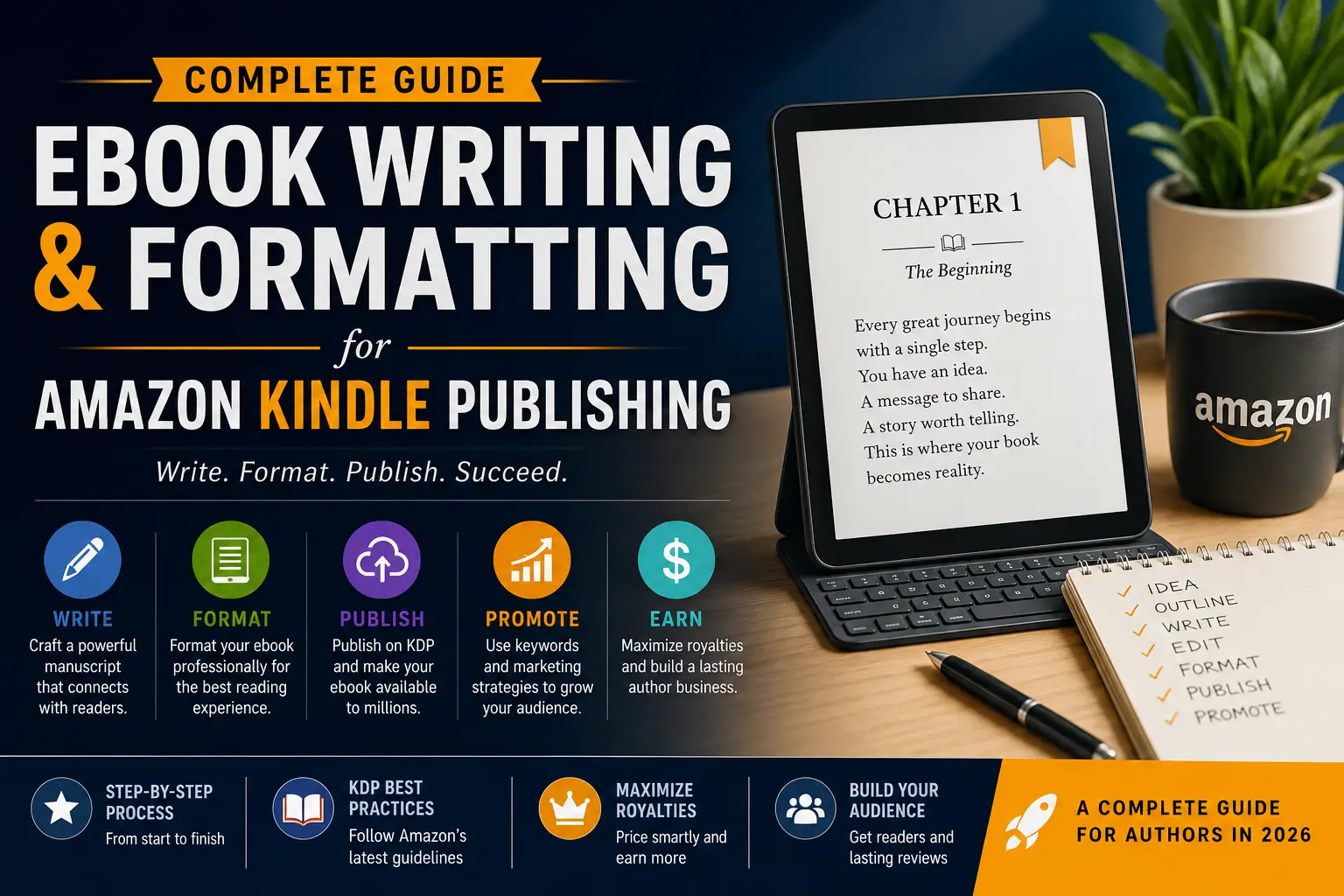
This guide walks you through the whole journey the craft of eBook writing, the surprisingly important world of eBook formatting, and the real mechanics of getting your work live through Amazon Kindle Publishing. Whether this is your first book or your fifth, there is something in here that will make the process feel less like guesswork.
“Authors who treat eBook publishing as a process not just a file upload are the ones who actually build a readership. The writing matters. But so does everything that comes after it.”
A lot of people assume eBook writing just means writing something, anything, and saving it as a PDF. That misunderstanding has cost more would-be authors months of frustration and sales numbers that never made sense. Writing for digital publishing is its own discipline. Once you understand that, the whole process clicks into place.
Before you write a single chapter, you need to get clear on one thing: your reader. Not your topic your reader. Amazon is enormous. The person looking for an intermittent fasting guide, the hobbyist searching for a beginner watercolor course, the thriller reader hunting for something set in 1960s Rome they are all there. The question is whether your book is positioned clearly enough that the right person recognizes it the moment they see it. Your eBook writing process has to begin with that specific reader in your head, not just the subject on your notes app.
Structure Your Book Before You Write It
Outlining is not optional for professional eBook writing it is the thing that keeps your manuscript from unravelling halfway through. A good outline does not have to be complex. It just needs to map your chapters, your key ideas or story beats, and a logical path from beginning to end. Think of it as building a skeleton before you add the flesh.
For non-fiction eBook writing, that means defining the problem upfront, walking the reader through a clear learning arc, and landing on conclusions they can actually use. For fiction, it means knowing your protagonist’s journey, your major turning points, and where it all resolves. Writers who skip this step often end up with manuscripts that feel scattered even when the individual paragraphs are beautifully written.
🔑 Key Principles of Professional eBook Writing
01Write to a specific reader, not a general audience
02Use short paragraphs that breathe on small screens
03Keep chapter lengths consistent and purposeful
04Edit for clarity, not just grammar
Writing for the Screen Is Different
One thing experienced authors pick up on quickly when switching to eBook writing is that reading on a screen is a fundamentally different experience from reading a physical book. Paragraphs that feel perfectly fine on a printed page can feel like walls of text on a Kindle. White space matters. Breaking your content into clearly labeled sections, using subheadings generously in non-fiction, and keeping sentences tight and purposeful makes a real difference not just in how polished the book looks, but in what readers say when they review it.
The editing phase gets shortchanged more than any other stage of eBook writing. A proper edit is not a nice-to-have it is what separates books readers enthusiastically recommend from books that collect one-star reviews about typos on page one. If hiring a professional editor is not possible right now, do this: read your manuscript out loud. Every clunky sentence, every awkward transition, every moment where you almost lose the reader will make itself heard when you stop reading silently.
📐
Part Two
eBook Formatting: The Technical Work Nobody Talks About
If eBook writing is the art, then eBook formatting is the engineering underneath it. It is what makes sure the work you poured yourself into actually looks the way it should on every device, in every situation. And this is honestly where more self-publishers stumble than anywhere else in the process.
Here is the thing about digital books that print authors often do not realize: eBooks reflow. The text rearranges itself based on the screen size, the font the reader has chosen, and the device they are holding. A book can look flawless on a Kindle Paperwhite and completely fall apart on an iPad if the underlying file was not built right. That is what eBook formatting actually solves it makes sure the experience stays consistent no matter where or how someone reads your book.
Understanding File Formats for Kindle
Amazon accepts several file types, but the ones that actually matter for eBook formatting are KPF files from Kindle Create, ePub files built to Amazon’s specifications, and properly structured Word documents. Each one behaves differently, and each one has its own failure modes when you have not prepared it carefully.
Kindle Create is Amazon’s free formatting tool and it genuinely works well for straightforward books with minimal special elements. But if your book has complex layouts, a lot of images, tables, or specific design requirements, learning ePub formatting in a tool like Sigil or hiring a professional eBook formatting service — will save you significant headaches. The time and money spent on getting this right always shows up where it counts: in reader experience and review quality.
📄
Clean Your Source File
Remove manual spaces, inconsistent styles, and hidden formatting errors from your Word doc
🔧
Apply Proper Styles
Use Heading 1, Heading 2, and Normal styles consistently so the TOC and structure work correctly
📱
Preview on Devices
Use Kindle Previewer to check how your book renders before ever submitting it to KDP
The Elements That Make or Break Your Formatting
A functional table of contents is not optional. Kindle readers expect to tap a chapter title and land there instantly. If your TOC is just text sitting on a page rather than properly hyperlinked navigation, readers notice — and they say so in reviews. Every solid eBook formatting job starts by making sure the TOC is properly linked and actually matches what is in the book.
Chapter breaks are another place where lazy eBook formatting creates real problems. Every new chapter should open on a fresh page with consistent heading styling that clearly signals where the reader is. Page breaks made by hammering the Enter key instead of using actual formatting will behave unpredictably across devices. It is one of the most common mistakes new self-publishers makeand one of the easiest to fix when you know to look for it.
A quick note on images in eBooks: If your book includes images, they need to be embedded correctly and sized to fit. Amazon recommends 300 DPI for print, but for eBook formatting purposes, images should sit comfortably within the Kindle reading area without forcing horizontal scrolling which is one of the fastest ways to break a reader’s experience and earn a frustrated review.
Your front matter and back matter are part of the eBook formatting picture too. A clean title page, a proper copyright page, a well-written author bio, and a clear call to action at the back all shape the impression your book leaves. Readers start forming opinions the moment they open the file and that first thing they see is your front matter. Make it look like you mean business.
🚀
Part Three
eBook Publishing: Taking Your Book Live on KDP
Once your eBook writing is done and your eBook formatting is solid, you arrive at the stage most authors have been both dreading and looking forward to: actually publishing the thing. Amazon Kindle Direct Publishing is the platform, and knowing how it works before you ever log in will save you real time and prevent the kind of mistakes that are quietly annoying to undo.
Setting up your KDP account is not complicated, but it rewards preparation. You will need a valid tax ID, a bank account for royalty payments, and all your book details finalized before you begin. Your author name, any pen name you are using, and your payment information should all be locked in before you hit the upload screen. Changing these after the fact is possible it is just a headache you do not need.
The KDP Dashboard: What You Need to Set Up Correctly
When you create a new title on KDP, you move through three main sections. The first is your book details title, subtitle, series info if you have it, edition number, author name, and description. The second covers content rights and keywords. The third is pricing and distribution. Every single field across these sections has a real effect on how discoverable your book is and, ultimately, whether it sells.
Your book description deserves more care than most authors give it during the eBook publishing process. This is your book’s sales page on one of the biggest retail sites in the world. The first line needs to hook someone. The body needs to quickly communicate what the book is and who it is for. The ending needs to give them a reason to buy it right now. KDP supports basic HTML in descriptions bold text, line breaks and using it to create a clean, scannable description genuinely moves the needle on conversions.
📋 Complete eBook Publishing Checklist for KDP
✓Manuscript formatted and previewed
✓Professional cover designed (1600×2560px)
✓ISBN assigned or KDP-generated
✓Categories selected (2 maximum on KDP)
✓7 keywords researched and entered
✓Book description written and formatted
✓Pricing strategy decided (KU vs. wide)
✓Tax and banking information complete
Keywords and Categories Are Your Discovery Engine
Keywords are the most underused tool in eBook publishing, and it is not even close. KDP gives you seven keyword fields, and most authors fill them with obvious single words putting themselves in direct competition with thousands of other books for the same vague terms. The smarter move is researching the actual phrases real buyers type into Amazon’s search bar when they are hunting for something like yours.
Amazon’s own autocomplete is a free keyword research tool that most people completely ignore. Start typing a relevant phrase and watch what Amazon suggests. Those suggestions come directly from real search behavior actual readers looking for actual books. Building your eBook publishing strategy around those specific phrases, rather than generic single words, can dramatically change your organic visibility from day one.
Your category choices matter just as much. KDP lets you select two at upload, but you can request additional categories through Amazon’s support team after your book is live. A number-one bestseller badge in a niche category is a real, visible credibility signal it affects how people click on your listing. Landing in a category where you can actually rank in the top twenty beats drowning in a high-traffic category where no one ever finds you.
📦
Part Four
Amazon Kindle Publishing: Strategy, Royalties, and Launch
Amazon Kindle Publishing is not a finish line it is a starting gun. Authors who treat the upload as the end of the process tend to see a modest spike on launch day, a quick drop, and then silence. Authors who treat launch day as the beginning of a campaign are the ones who build real momentum over time. The difference is not luck. It is approach.
Understanding KDP Royalties Before You Price
Amazon Kindle Publishing has two royalty tiers, and the structure is designed to push you toward a specific price range. Books priced between $2.99 and $9.99 earn 70 percent royalties in most markets. Outside that range, you drop to 35 percent. Most successful indie authors price within that window for good reason — and for non-fiction with specialized content, sitting closer to the $9.99 end is often both justified and expected by buyers in those categories.
One of the biggest calls you will make in Amazon Kindle Publishing is whether to enroll in KDP Select and join Kindle Unlimited. It requires 90 days of Amazon exclusivity, but it opens your book to tens of millions of KU subscribers who can read it as part of their monthly plan and you get paid based on pages read through Amazon’s shared royalty pool. For many authors, especially those building a series, the KU exposure outweighs the exclusivity trade-off significantly.
| Price Range | Royalty Rate | KU Eligible | Best For |
|---|---|---|---|
| $0.99 – $2.98 | 35% | Yes (if enrolled) | Series entry points |
| $2.99 – $9.99 | 70% | Yes (if enrolled) | Most books — optimal ROI |
| $10.00+ | 35% | Yes (if enrolled) | High-value specialized nonfiction |
Your Book Cover Is a Conversion Tool
In Amazon Kindle Publishing, your cover is doing more work than most authors realize. It shows up in search results, in also-bought carousels, in bestseller lists often as a thumbnail barely 80 pixels wide. In that tiny space, it has to communicate your book’s genre, tone, and quality. Covers that fail to do that clearly lose sales every single day the book is live.
Before commissioning yours, spend time studying the bestselling covers in your specific category. Not to copy them to understand the visual language readers in your genre already associate with quality and authenticity. A literary fiction cover should not look like a thriller. A business book should not look like a wellness memoir. Those genre signals are part of the unspoken contract with your reader, and getting that wrong quietly hurts your Amazon Kindle Publishing results in ways that are hard to trace but very real.
Launching Your Book for Maximum Visibility
The launch window for your Amazon Kindle Publishing project is the most important period in its commercial life. Amazon’s algorithm pays attention to early velocity. Books that generate consistent sales and page reads in their first two to four weeks get served to more readers through Amazon’s recommendation engine. This is why building pre-launch momentum matters so much.
Building an advance reader copy list before your launch gives you a way to generate reviews in those critical early days. Reviews act as social proof that converts browsers into buyers, and having even ten to fifteen honest reviews at launch is vastly better than launching with none. Reach out to your network, your email list if you have one, and relevant online communities where your target readers gather.
🎯 The Amazon Kindle Publishing Launch Timeline
4 WEEKS OUT
Send ARCs to your advance reader team, begin building buzz on social and email
Send ARCs to your advance reader team, begin building buzz on social and email
1 WEEK OUT
Set up pre-order if using one, finalize your book page description and keywords
Set up pre-order if using one, finalize your book page description and keywords
LAUNCH DAY
Email your list, post across social channels, reach out to your community personally
Email your list, post across social channels, reach out to your community personally
WEEK 2 ONWARD
Run Amazon ads, monitor and update keywords based on sales data, gather more reviews
Run Amazon ads, monitor and update keywords based on sales data, gather more reviews
📊
Part Five
Sustaining Sales Long After Launch Day
One of the most liberating truths about Amazon Kindle Publishing is that a well-positioned book can continue selling for years with relatively little active effort. The combination of strong eBook writing, professional eBook formatting, smart keyword selection, and a credible cover creates a foundation that keeps working even when you are busy writing your next book.
Amazon Advertising is the paid tool that accelerates organic discovery. Sponsored Products ads for books work on a keyword-targeting model similar to pay-per-click advertising. You bid on relevant keywords and pay only when a reader clicks your ad. With thoughtful keyword selection and a competitive cover that converts clicks into purchases, even modest ad budgets can generate a sustainable return. Many successful indie authors run book ads at a small daily budget indefinitely, treating it as a distribution cost rather than a speculative expense.
One of the most powerful things you can do for your long-term Amazon Kindle Publishing results is to publish more than one book. Amazon’s recommendation algorithm strongly favors authors with multiple titles because buying one book creates an opportunity to recommend the others. Authors with series, or even several standalone books in the same genre, see a compounding effect where each new title lifts the visibility of everything they have previously published.
Monitor, Adjust, and Keep Improving
Your KDP dashboard gives you access to real-time sales data, page read counts for KU borrows, and advertising performance if you are running ads. Checking this data regularly, not obsessively but with genuine attention, allows you to identify what is working and what needs adjustment. A book with strong page read numbers but low purchases might need a better cover or description. A book with strong click-through from ads but low conversion might have a description that is not closing the sale.
A/B testing your book description is something KDP allows, and many authors never take advantage of it. You can update your description at any time without affecting your reviews, sales rank, or any other element of the listing. Treating your book’s page as a living asset that can be improved over time is a mindset shift that separates authors who build sustainable publishing businesses from those who publish once and wonder why nothing happened.
Your Story Deserves to Be Read
The complete journey from manuscript to marketplace is absolutely within reach. eBook writing, professional eBook formatting, smart eBook publishing, and a strategic approach to Amazon Kindle Publishing are not mysteries. They are learnable processes that have already helped thousands of independent authors reach readers worldwide.
Every bestselling indie author started exactly where you are right now. The difference between them and writers who never published is simply the decision to take the next step. Your manuscript is ready. The platform is waiting. Your readers are already out there.
Related Guides in This Series
Deep Dive
eBook Writing: Craft, Structure, and Voice
A full breakdown of the eBook writing process from outline to final draft
Deep Dive
eBook Formatting: File Types, Tools & Best Practices
Everything about eBook formatting for Kindle, EPUB, and beyond
Deep Dive
eBook Publishing: KDP Setup from Start to Live
Step-by-step walkthrough of the KDP dashboard and publishing workflow
Deep Dive
Amazon Kindle Publishing: Ads, Royalties & Growth
How to build long-term revenue through Amazon Kindle Publishing