



14 Oct 2026
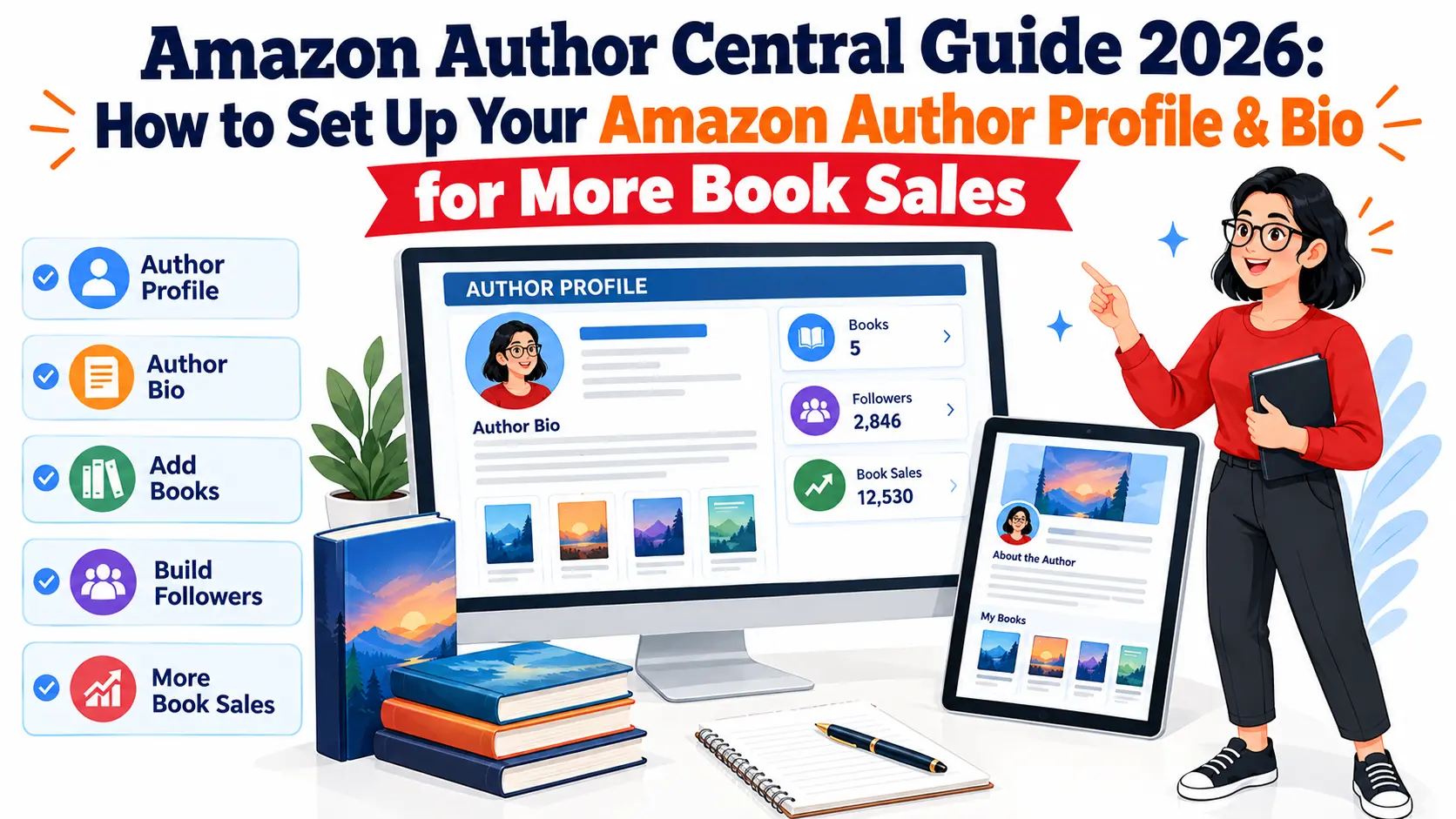
So you published a book. Congrats, genuinely. But if you haven’t touched Amazon Author Central yet, there’s a decent chance you’re quietly losing sales and don’t even know it. Readers don’t just glance at a cover and a blurb anymore and call it a day. A lot of them click the author’s name too, poke around at what else you’ve written, and more or less decide right there whether you’re someone worth trusting with their weekend. That whole decision happens on your author page. Or it doesn’t happen at all, because you never built one.
We see this play out constantly with the authors we work with at The Books Central. Book launches, sells decently for a week, then quiets down. Nine times out of ten when we check, the Author Central profile is either not claimed, half filled out, or reads like nobody bothered. So this is us fixing that, start to finish. Claiming the account, writing the bio, all of it.
One thing before we get into the steps though. Your author page isn’t just a Google thing anymore. People are asking Gemini and other generative AI tools things like “who writes like this author” or “what should I read after this book,” and those tools are pulling from author pages to answer. That’s a fairly new wrinkle and most guides haven’t caught up to it yet.
What is Amazon Author Central and Why Every Author Needs It?
Amazon Author Central is the free tool Amazon gives authors to build a public profile that ties together everything they’ve published under one name. Rather than each book sitting there by itself, your bio, your photo, your blog posts, and your whole catalog end up living on one page.
I’d compare it to a bookstore window, except the store is Amazon and you’re standing behind the glass. No profile means your name is just a line of text somewhere. A real profile turns it into something people actually click on, something that tells them who you are before they’ve read a single page.
Key Benefits of Having an Amazon Author Profile
A profile that’s actually been filled in properly does more than people expect:
- All your books get grouped together automatically, so nobody’s hunting title by title through your backlist
- You get an actual space to talk to readers as yourself, which the book description was never designed to do
- A decent photo matters more than most authors think, it’s a small thing but it moves the needle on trust
- You get your own dashboard for sales and reviews instead of guessing how things are going
- And this last one’s newer, showing up well here is starting to affect how generative AI tools describe and recommend you when someone asks for book suggestions
How an Author Page Drives More Book Sales and Trust
Here’s the part that gets missed a lot. Reader finishes your book, liked it, and the very next thing they do is click your name to see what else is out there. Land them on nothing and you just lost a reader who was already sold on you, for free, no ad spend needed to lose them either. Land them on a page that actually feels like a person wrote it, and you might pick up a second sale without spending anything at all.
Trust works the same way, just slower. A full profile with a real bio, an actual photo, and a shelf full of titles tells someone you’re in this for real, not a one and done. People notice that. So, more and more, does the software trying to figure out who you are.
Step-by-Step: How to Claim and Set Up Your Amazon Author Central Account
This part’s quicker than people expect. Three steps, roughly.
Step 1: Signing Up for Amazon Author Central
Go to the Author Central site for whichever market you sell in most (US and UK run as separate sites, so pick the one that matters to you) and log in with your existing KDP account or regular Amazon login. If you’re already on KDP, this takes maybe five minutes, no exaggeration. You’ll type your name in exactly as it shows on your covers, since that’s the match Amazon uses to link your profile to your books.
Step 2: Adding and Claiming Your Published Books
Search for your book by title or ISBN once you’re logged in and add it to your shelf. If you write under a pen name, or you’ve published some books yourself and others through a publisher, you might need to verify each one separately. Usually that’s just answering a couple of questions only the actual author would know off the top of their head.
Step 3: Navigating the New Author Central Dashboard
The 2026 dashboard’s split into a handful of tabs. Books, Biography, Photos, Blog, Sales Info. Worth clicking through each one first before you start editing anything, just so you’re not hunting for the photo upload button twenty minutes later.
How to Write an Irresistible Amazon Author Bio That Converts
This is the single most important block of text on the whole page, honestly. More than any other part of the profile, this is where readers decide.
Essential Elements of a High-Converting Author Bio
Good bios tend to share a few things:
- They open by just saying who you are and what you write, right up front, not three sentences deep
- They throw in something personal, a detail or two that makes you sound like an actual person and not a list of credentials
- They name your best or most loved book by title
- They end on something soft, like inviting people to your newsletter, without it feeling like a pitch
- The tone matches what you write, playful and warm for romance or cozy mysteries, sharper and more credible for finance or health books
Best Practices for Formatting and Keyword Optimization
Keep it short. Most people reading this are on a phone, scrolling, not sitting down to study your career. Two or three tight paragraphs will always beat one long block of text.
Keywords still count, they just shouldn’t be forced in. Work in your genre naturally, your series names if you have them, whatever phrase a reader might actually type in when looking for something like your book. This text doesn’t just get read by people either. Amazon’s own search picks it up, Google picks it up, and generative AI tools pull from it when they’re putting together an answer for someone asking what to read next.
Author Bio Examples (Fiction vs. Non-Fiction)
Something fiction might sound like: “Sarah Kane writes slow burn mystery novels set in coastal towns where everyone’s hiding something. When she’s not plotting her next twist, she’s drinking too much coffee and walking her rescue dog along the shore.”
Non-fiction might read more like: “James Cole spent fifteen years as a financial advisor before writing his first book, aimed at freelancers who never quite figured out how to save. His work has since helped thousands of independent workers put together their first real plan.”
Neither one reads like a resume. Both tell you who the person is in the first sentence and add something human right after.
Optimizing Your Amazon Author Page for Maximum Visibility
Once the bio’s in good shape, everything else on the page should back it up rather than distract from it.
Adding a Professional Headshot and Media Gallery
Use a photo that’s clear and well lit. Skip the heavy filters unless that genuinely fits your brand somehow. A gallery’s worth setting up too, whether that’s cover art, a shot from an event, or something behind the scenes that gives readers a sense of you as a person and not just a name on a spine.
Connecting Your Blog RSS Feed and Editorial Reviews
Got a blog or a newsletter? Hook up the RSS feed so new posts show up on your page without you doing anything extra. Keeps the page looking active even during the weeks you don’t touch it. Editorial reviews are worth adding when you have them too, especially from somewhere recognizable, since that kind of outside stamp carries a bit more weight than reader reviews alone.
Managing Author Central Across Different Amazon International Stores
Amazon keeps separate Author Central accounts for each region, US, UK, and a handful of markets across Europe. If you sell in more than one, you’re setting up and maintaining each profile on its own. Changes in one don’t carry over to the rest, which catches a lot of authors off guard the first time.
Common Amazon Author Central Errors (And How to Fix Them)
Even people who’ve done this a few times run into the same couple of snags.
Books Missing from Your Profile
Usually it comes down to a name mismatch between the book listing and your Author Central account, or the book got published under a different account than the one you’re logged into now. Search by ISBN directly inside the dashboard, and if it still won’t show up, file a claim from there.
Updating Pen Names and Multiple Author Profiles
Writing under more than one name means Amazon treats each pen name as its own separate author, full stop. That means a separate profile for each one. Keep your logins organized somewhere, or you’ll end up locked out of one while trying to fix another.
Amazon Author Profile Checklist for 2026
- Claim your account and confirm your legal or pen name
- Add and verify every book you’ve published
- Write a bio with some warmth in it, and a little keyword sense
- Upload a real, professional headshot
- Connect your blog or newsletter RSS feed
- Add editorial reviews or press mentions if you’ve got any
- Set up the same profile in every international Amazon store you sell in
- Check back every few months so it doesn’t go stale
Need help getting your Amazon Author Central profile in shape? The Books Central writes bios, cleans up profiles, and helps authors get found across Amazon search, Google, and the growing list of generative AI tools readers are turning to now, Gemini included.